Email Signup
What is the Email Signup section?
Since v1.0.0
The Email Signup section displays a clean, minimal newsletter subscription form, allowing customers to sign up for emails directly from the page. It is ideal for growing your mailing list and keeping customers informed about new collections, promotions, and exclusive offers.
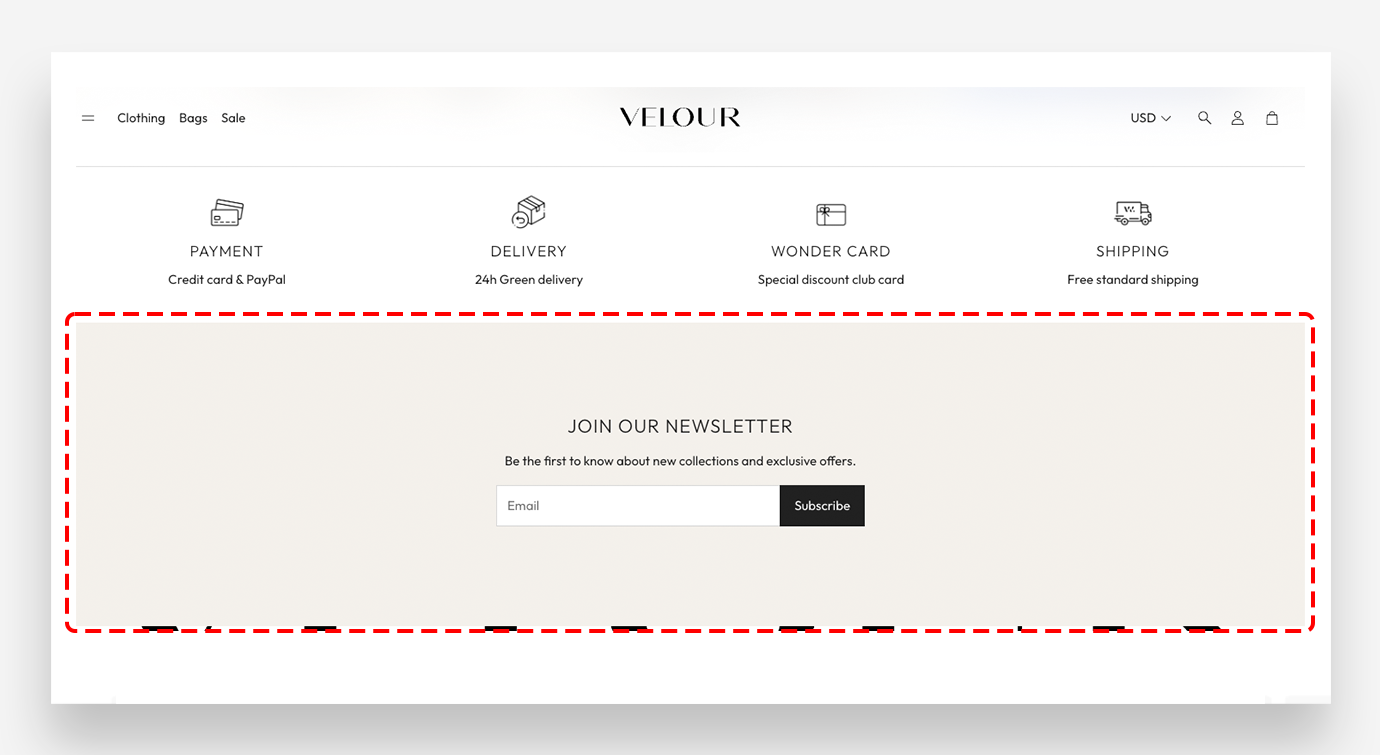
Main settings
Colors
The Transparent value is the default and subsequently inherits the value from the global settings.
- Text color: Define the global text color for the section.
- Background color: Customize the background color of the entire section.
Section Spacing
- Distance from the top: Adjust the spacing above the section.
- Distance from the bottom: Adjust the spacing below the section.
Blocks
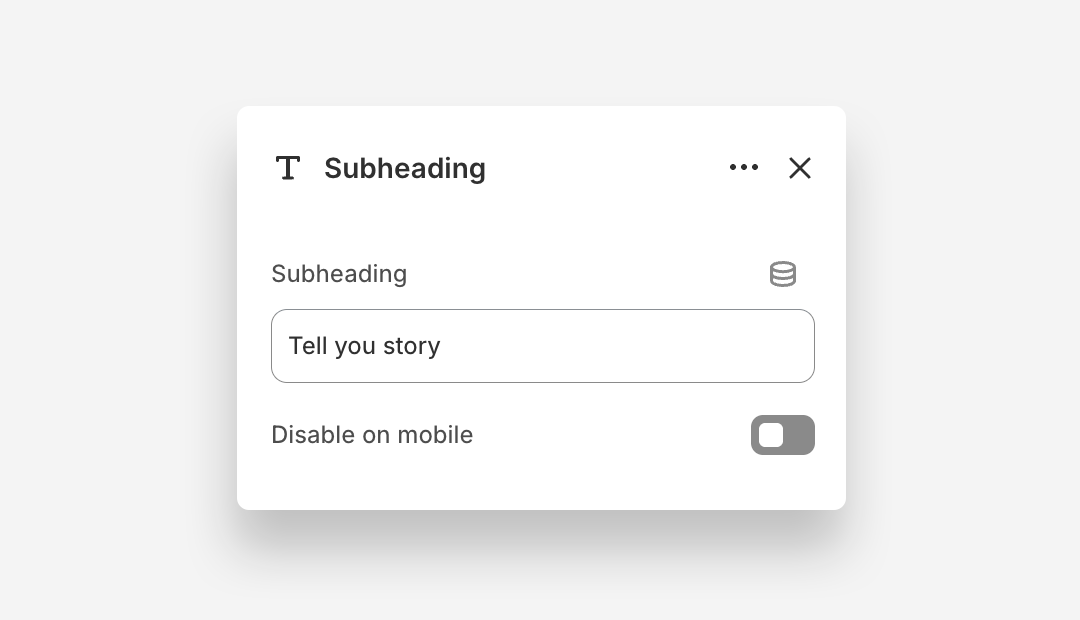
Subheading Block
- Subheading: Enter the subheading text.
- Disable on mobile: Hide this subheading block on mobile devices.
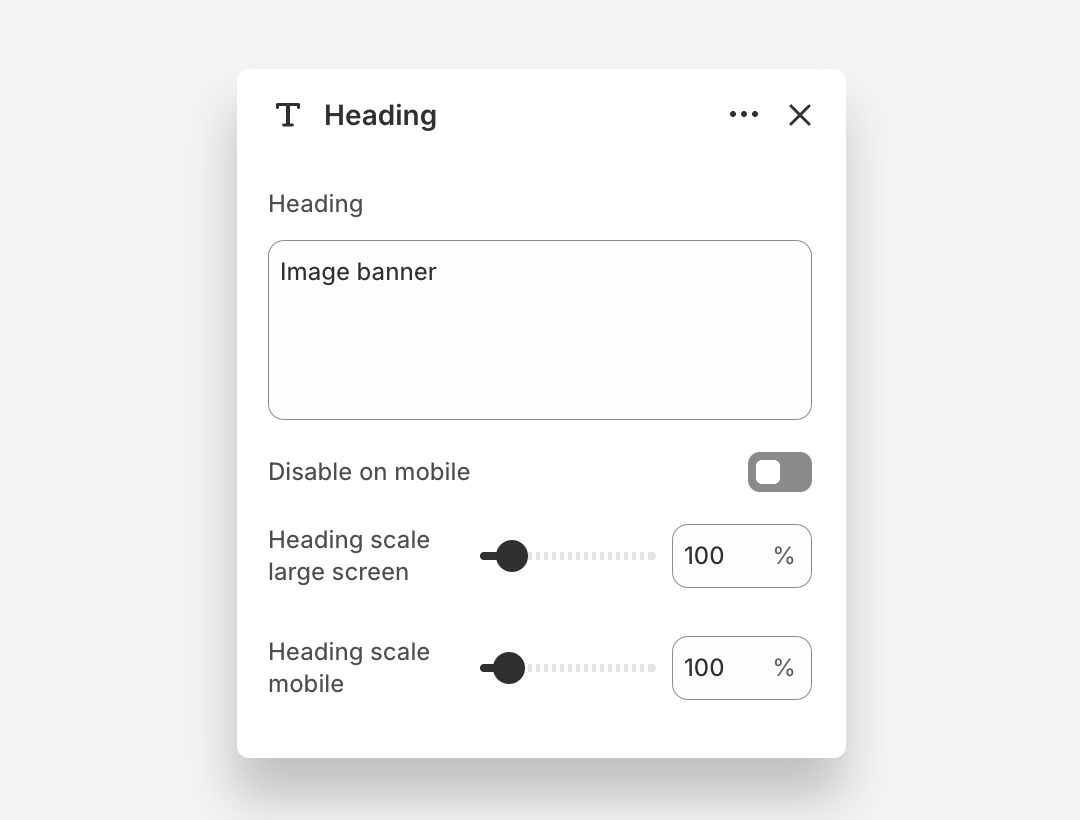
Heading Block
The Heading block displays the main headline overlaid on the banner image.
- Heading: Enter the heading text displayed on the banner.
- Disable on mobile: Hide this heading block on mobile devices.
- Heading scale large screen: Adjust the font size of the heading on large screens.
- Heading scale mobile: Adjust the font size of the heading on mobile devices.
Email Form Block
The Email Form block adds a newsletter signup form to the Newsletter with Image section, allowing customers to subscribe directly from the banner.
- Style: Choose the visual style of the form — Primary or Secondary.
- Button label: Set the text displayed on the form submission button.
Consent Checkbox
- Show consent checkbox: Enable this toggle to display a consent checkbox that customers must check before submitting the form.
- Consent checkbox label: Enter the text displayed next to the consent checkbox. Rich text formatting options are available.
- Validation message: Set the message displayed when a customer attempts to submit the form without checking the consent checkbox.