Wonder Theme Documentation
Complete documentation for the Wonder Shopify theme - sections, blocks, guides, and more.
 WonderBeauty & Cosmetics
 RootWellness & Health
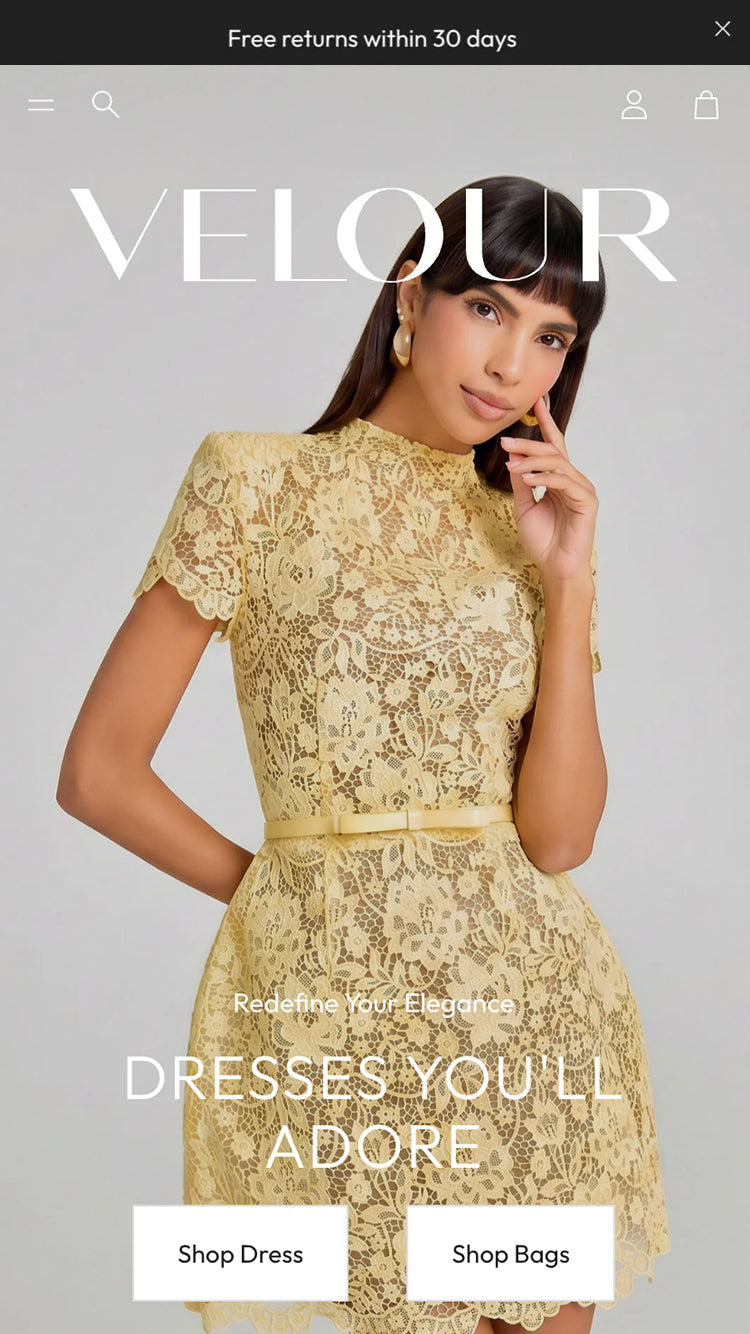 VelourFashion & Apparel
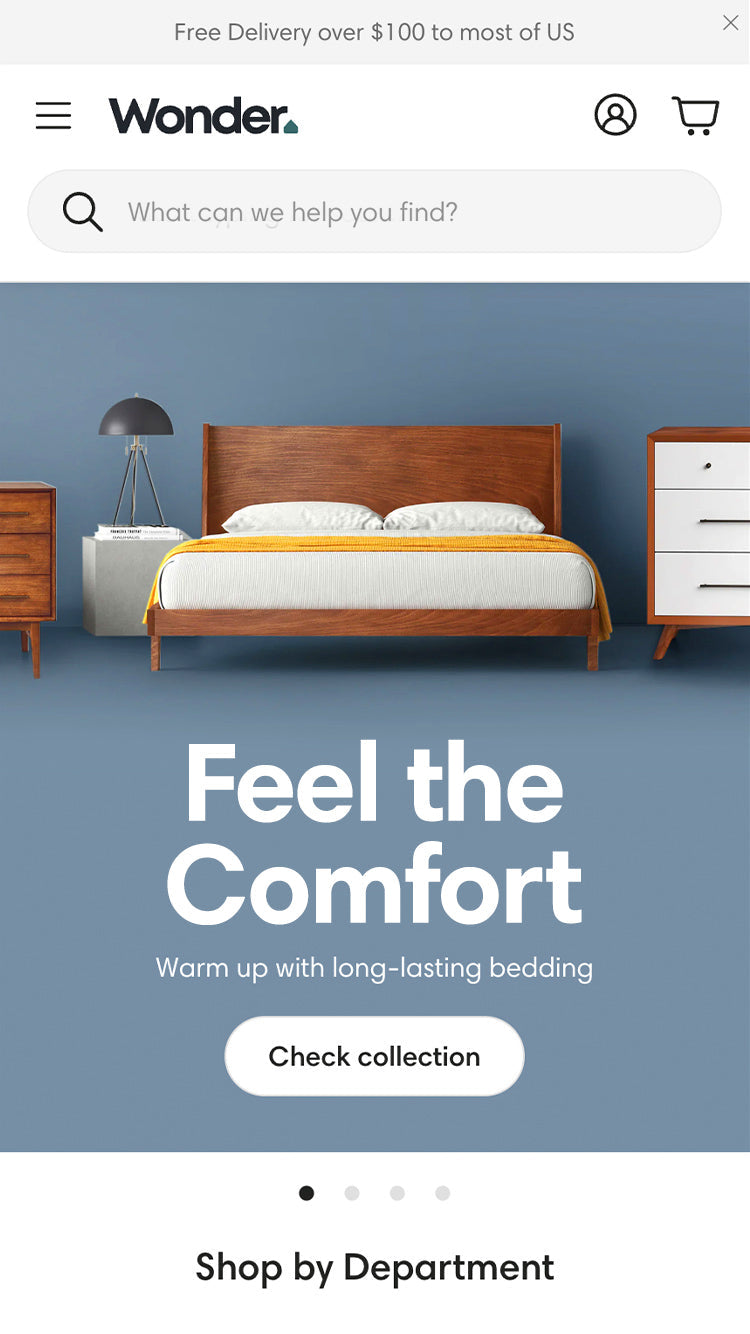 NookInterior & Home
 PetitProduct-Focused
New: ask your AI assistant about Wonder
Connect Claude, ChatGPT, Cursor or Codex to Wonder's own knowledge. Your assistant then answers from this documentation, knows the known issues of your Wonder version, and builds custom sections that fit the theme and survive updates.
- "Is there a setting to hide the sticky add-to-cart bar?" Finds the exact setting in the theme editor.
- "The theme editor freezes on 2.5.1. Bug?" Checks known issues and tells you which update fixes it.
- "Make me a testimonials section" A ready-to-paste section, checked against Wonder's rules.
- "Update my customised theme to the latest Wonder" Finds your code changes and moves them to the new version.
Free, no account needed, and it never accesses your store.
Getting Started
About Theme
Licensing, support, accessibility, and policies.
Theme Settings
General settings that apply across your entire Wonder theme.
- Colors - Global color scheme for your entire store
- Typography - Fonts, sizes, and text styles
- General Settings - Layout, animations, icons, search, social media
- Color Swatches - Configure color swatches for product variants
- Product Badges - Set up Sale, New, and custom badges on product cards
- Cross Sell - Configure cross-selling to boost average order value
- Custom Fonts - Step-by-step guide to adding custom fonts
- Custom CSS - Change the look safely, in a way that survives theme updates
Sections
See all sections at a glance, grouped as in Add section.
Header & Navigation
- Announcement Bar
- Header
- Promotion Menu
- Transparent Header
- Logo Banner
- Logo Banner with Text
- Menu Highlight
Banners
- Banner Card
- Image Banner
- Image Banner with Countdown
- Scrolling Text Banner
- Scrolling Icon with Text
- Slide-up Feature Banner
- Slideshow
- Image with Video (Home)
Video
- Background Video
- Benefits Video Reels
- Shoppable Video
- Shoppable Video Reels
- Video Reels with Product Block
Collections
Storytelling
- Before and After
- Brands
- Collage
- Collapsible Menu with Image
- Grid View
- Grid View with Drawer
- Grid View with Modal
- Image with Scrolling Text
- Image with Table
- Image with Text
- Image with Text with Countdown
- Image with Video
- Lookbook
- Marquee Images
- Multicolumn
- Parallax Section
- Scrollytelling Video
Products
- Product Benefits
- Compare Products
- Comparison Table
- Featured Product
- Product Recommendations
- Products Slider
- Shoppable Image
Testimonials
Text
- AI Section
- Featured Navigation
- Features Banner
- Map Section
- Metrics Banner
- Notification Pop-up
- Rich Text with Image
Forms
Product Page
Blocks
- Bulletpoints Block
- Buy Button Block
- Collapsible Drawer
- Collapsible Files Row
- Collapsible Tab Row
- Complementary Products
- Custom Option Block
- Feature Icons
- Feature Tags
- Featured Icon Block
- Inventory Status
- Payments Badge
- Price Block
- Product Page
- Promo Block
- Rating Block
- Separator Block
- Share Buttons
- Specification Table Block
- Subscription Widget
- Title Block
- Upsell Block
- Variant Picker
Guides
How-To Articles
- A Complete Guide to Customizing the Variant Picker
- Personalizing Product Pages with Custom Options
- Product Variations Block Setup
- How to Display Product Variants at your product page: Variant Picker vs. Product Siblings
- How to Set Up a Size Guide per Product
- Maximizing SEO Potential
- Page Speed Mastery
- Which Reviews App Should You Use?
FAQ & Troubleshooting
Common issues and frequently asked questions.
- Updating Wonder: what's kept and what isn't
- Does Wonder have…?
- Ask your AI assistant: it checks the known issues of your Wonder version