Metrics Banner
What is the Metrics Banner section?
Since v2.3.0
The Metrics Banner section allows you to display key indicators and statistics in an attractive banner with numbers. Customers can quickly familiarize themselves with the most important product or brand data, building trust and credibility.
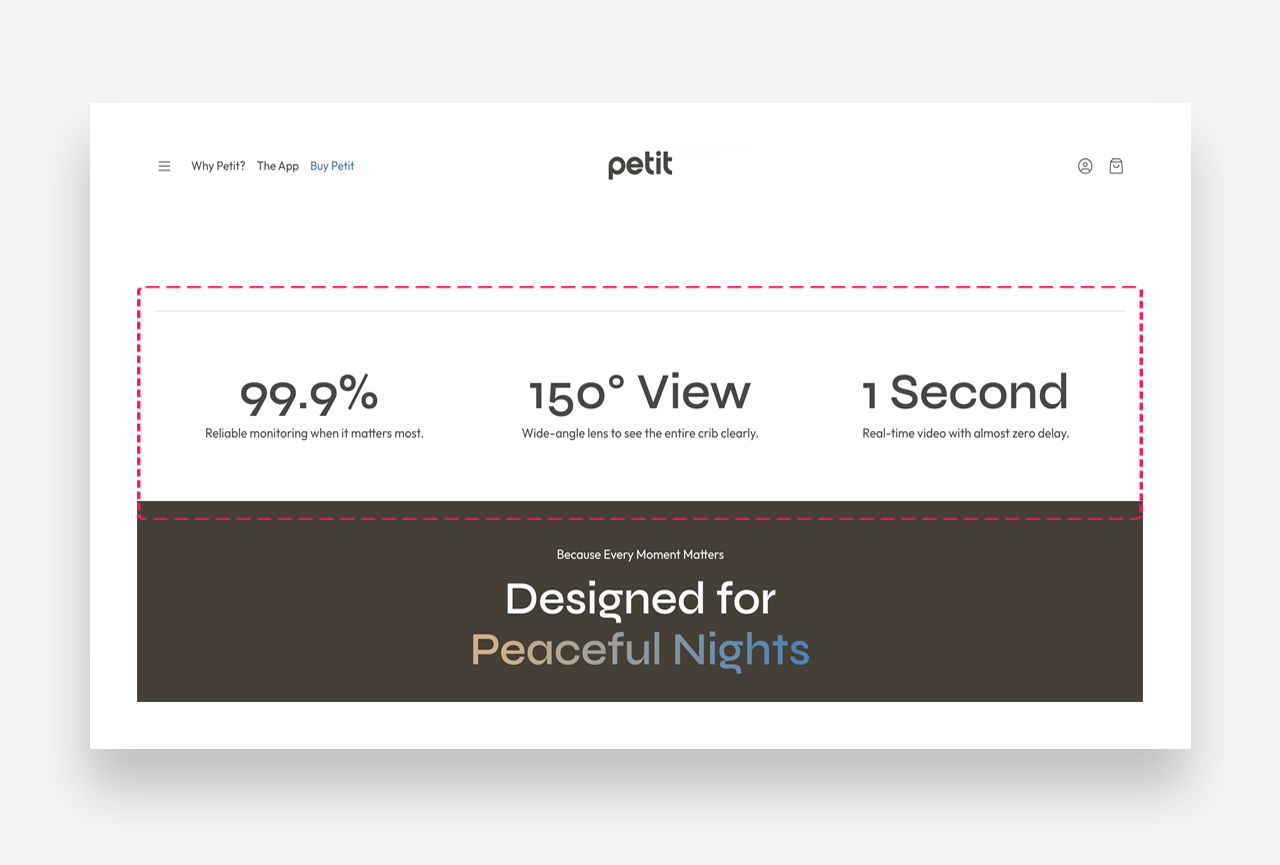
Example with animation
Main settings
General
- Heading: Set the title for the section. Optionally enable the rich text field to access text formatting options.
- Layout on desktop: Define the content alignment on desktop — Center or Left.
- Number of columns on desktop: Define how many metric columns are displayed on desktop.
Mobile Version
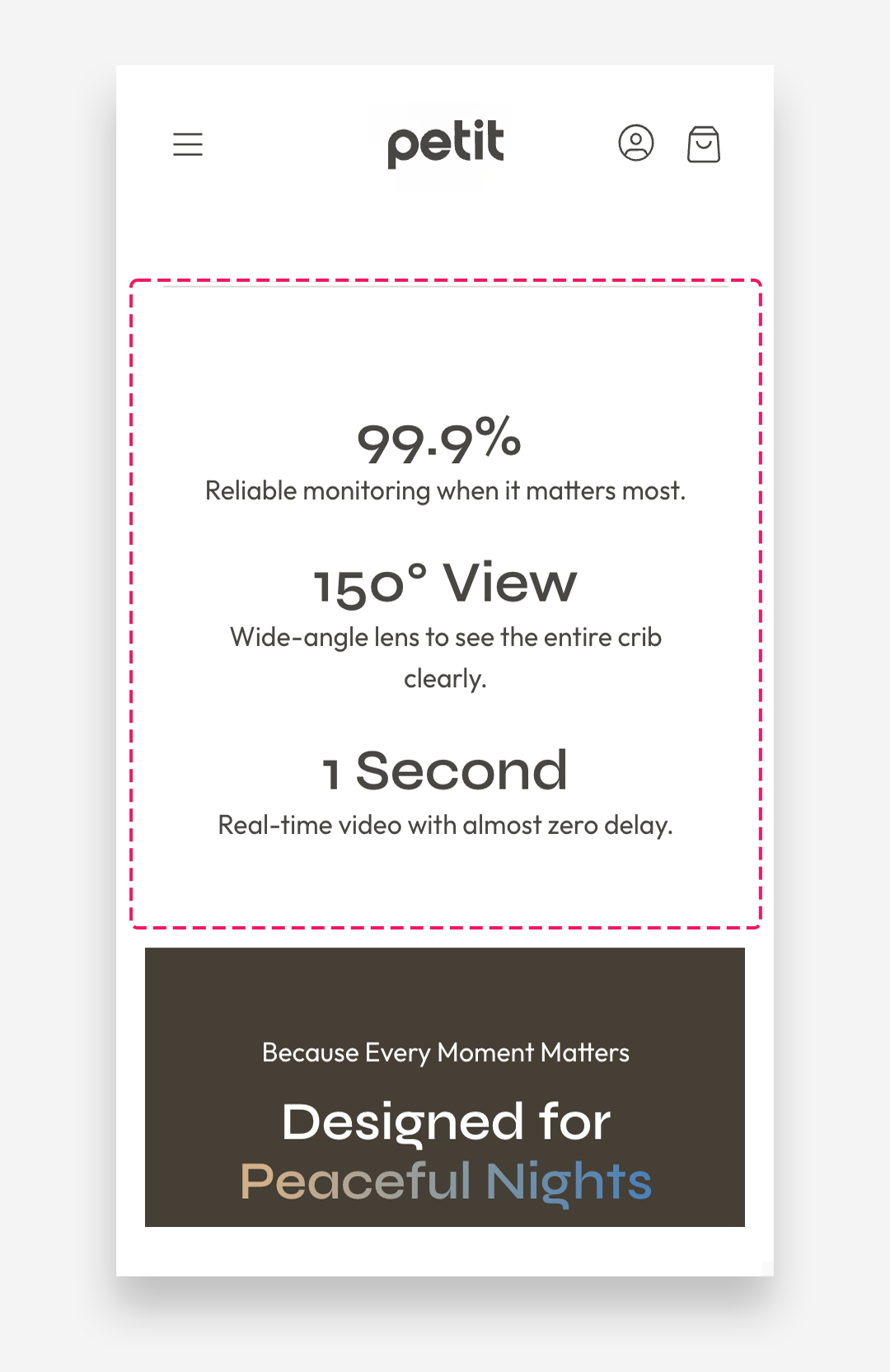
- Layout: Choose how metrics are displayed on mobile devices — Grid or Slider.
- Alignment: Set the content alignment on mobile devices — Center or Left.
Colors
- Background color: Customize the background color of the entire section.
- Text color: Define the global text color for the section.
- Block background color: Set the background color of individual metric blocks.
Animation
- Animate numbers: Enable this toggle to have numeric values count up from zero when the section scrolls into view.
- Animation speed: Set how long the count-up animation takes to complete, in seconds.
- Ease out: Enable this toggle to have the animation slow down toward the end rather than stopping abruptly.
Section Spacing
- Distance from the top: Adjust the spacing above the section.
- Distance from the bottom: Adjust the spacing below the section.
Mobile view example Metrics Banner
Metric Item block
The Metric Item block represents a single indicator within the Metrics Banner section. Use the Add Metric Item button to add more metrics.
Settings
- Metric value: Enter the numerical or text value displayed as the main indicator.
- Metric value scale large screen: Define the font size of the metric value on large screens.
- Metric value scale mobile: Define the font size of the metric value on mobile devices.
- Title: Set the metric name displayed below the value. Optionally enable the rich text field to access text formatting options.
- Metric name scale large screen: Define the font size of the metric name on large screens.
- Metric name scale mobile: Define the font size of the metric name on mobile devices.
- Text: Add a short description displayed below the metric name.