Installing the Wonder Theme & Choosing a Preset
Installing the Wonder Theme & Choosing a Preset
The Wonder Theme comes with 5 preconfigured presets — each offering a unique look and layout tailored to different store types. All presets share the same features and functionality — the only difference is the visual configuration, section arrangement, and default styling.
Choose the preset that best matches your brand, and customize it from there.
Available Presets
Wonder
Best for beauty, cosmetics, and skincare stores.

Root
Best for wellness, health, and organic product stores.

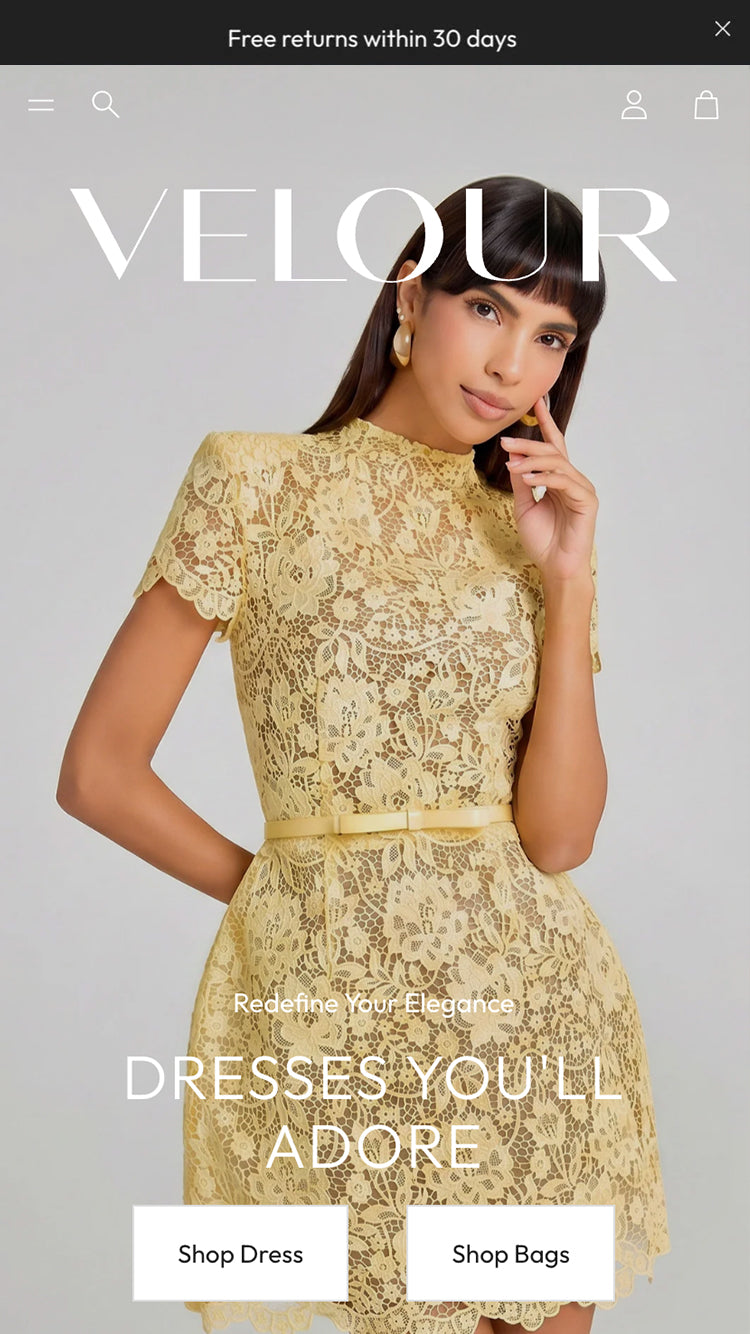
Velour
Best for fashion, apparel, and lifestyle stores.
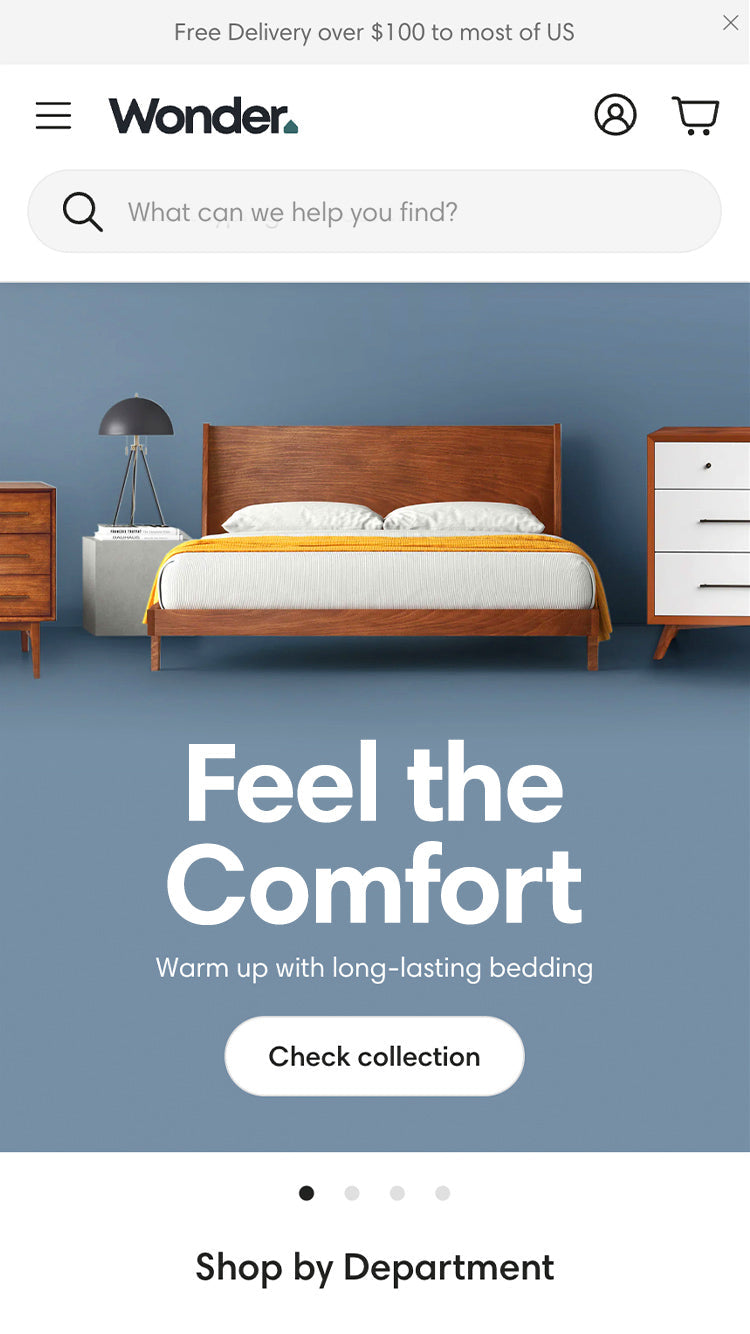
Nook
Best for interior, furniture, and home decor stores.
Petit
Best for product-focused and CRO-optimized stores.

How to Install a Preset
- Click the Install preset link for the preset you want (listed above), or visit the Wonder Theme page on the Shopify Theme Store.
- If you have already purchased the theme, click Add latest version or Add new copy.
- If you haven't purchased yet, click Try theme to add it as a trial.
- The theme will be installed in your Shopify admin with all the preset's sections, layout, and styling pre-applied.
Each preset installs a fully configured version of the Wonder Theme — you can start customizing right away.
Need a Full Demo Setup?
If you want your store to look exactly like one of our demo presets — including all images, videos, and section configuration — reach out to our support team. We will upload the assets and configure the theme for you.