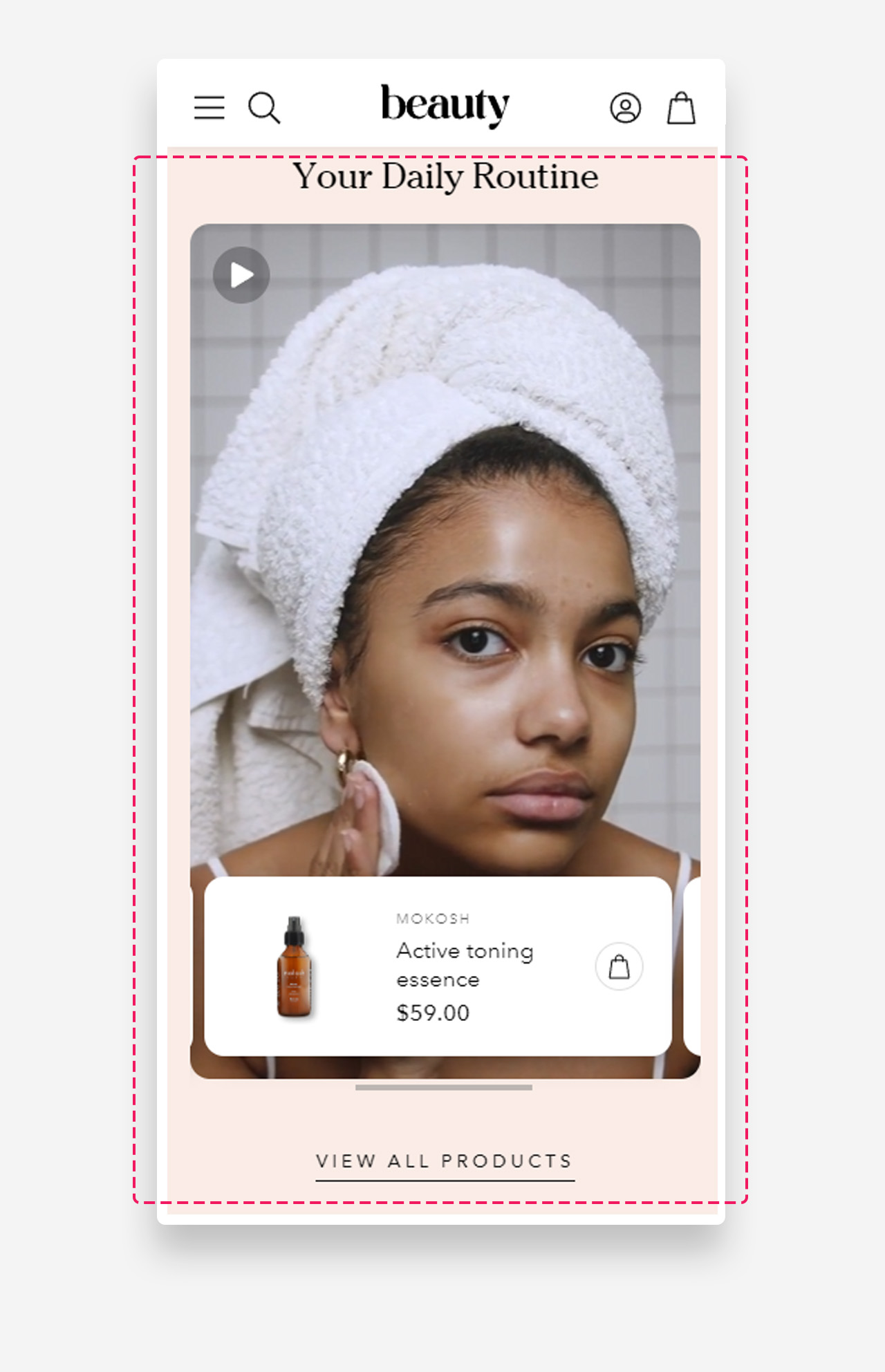
Shoppable video
What is the Shoppable video section?
Since v1.0.0
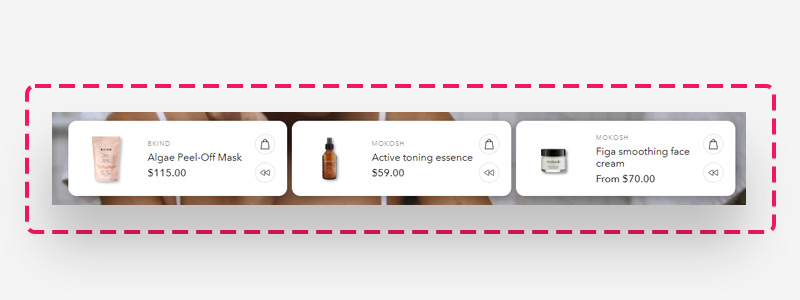
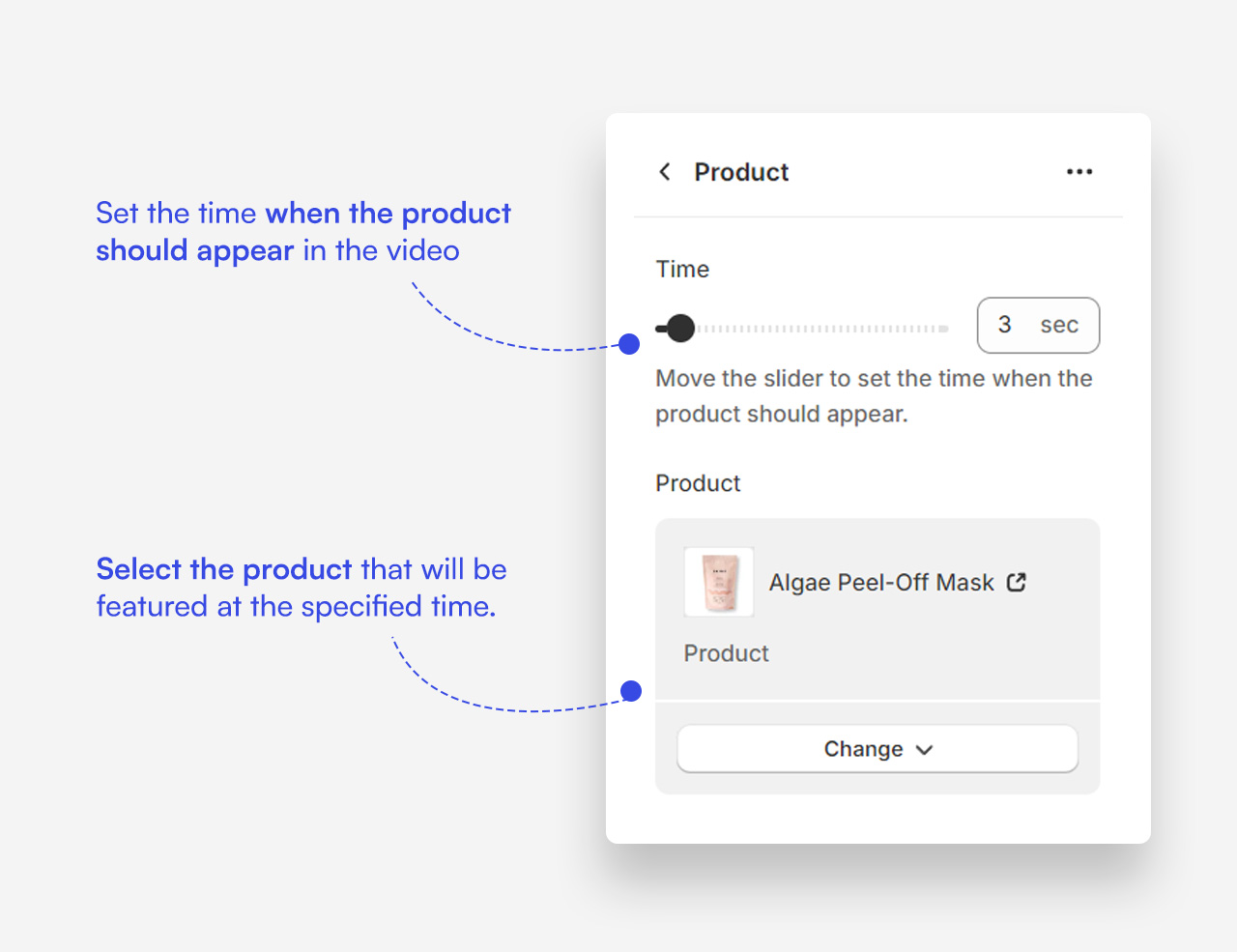
The "Shoppable video" section is an interactive and engaging feature designed to enhance the shopping experience. This section allows you to play and pause a video, with selected products sliding in from left to right based on specific timestamps you set in the video. It also offers a quick buy option and a rewind button for desktop users, making it easy for customers to purchase featured products directly from the video.
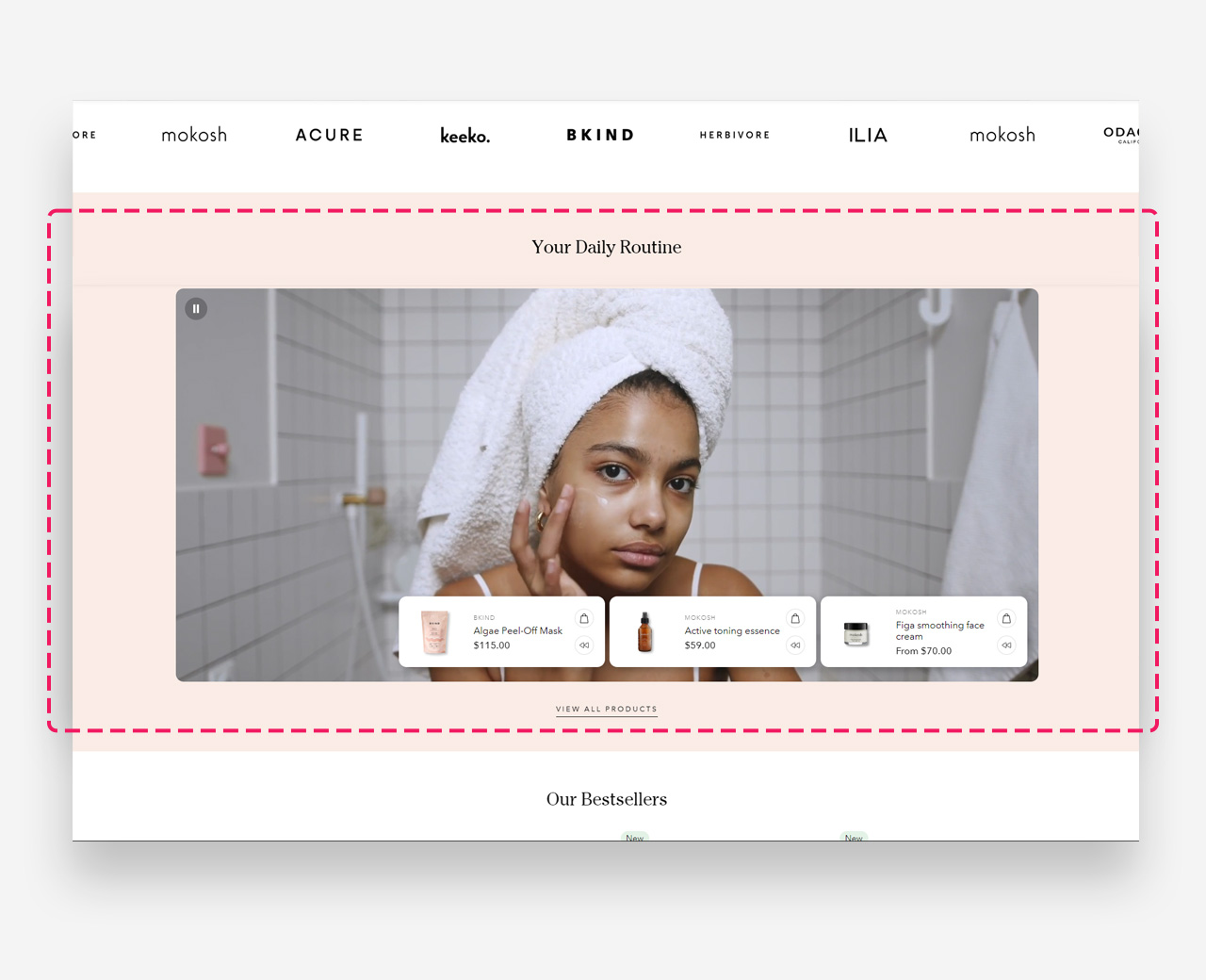
Main settings
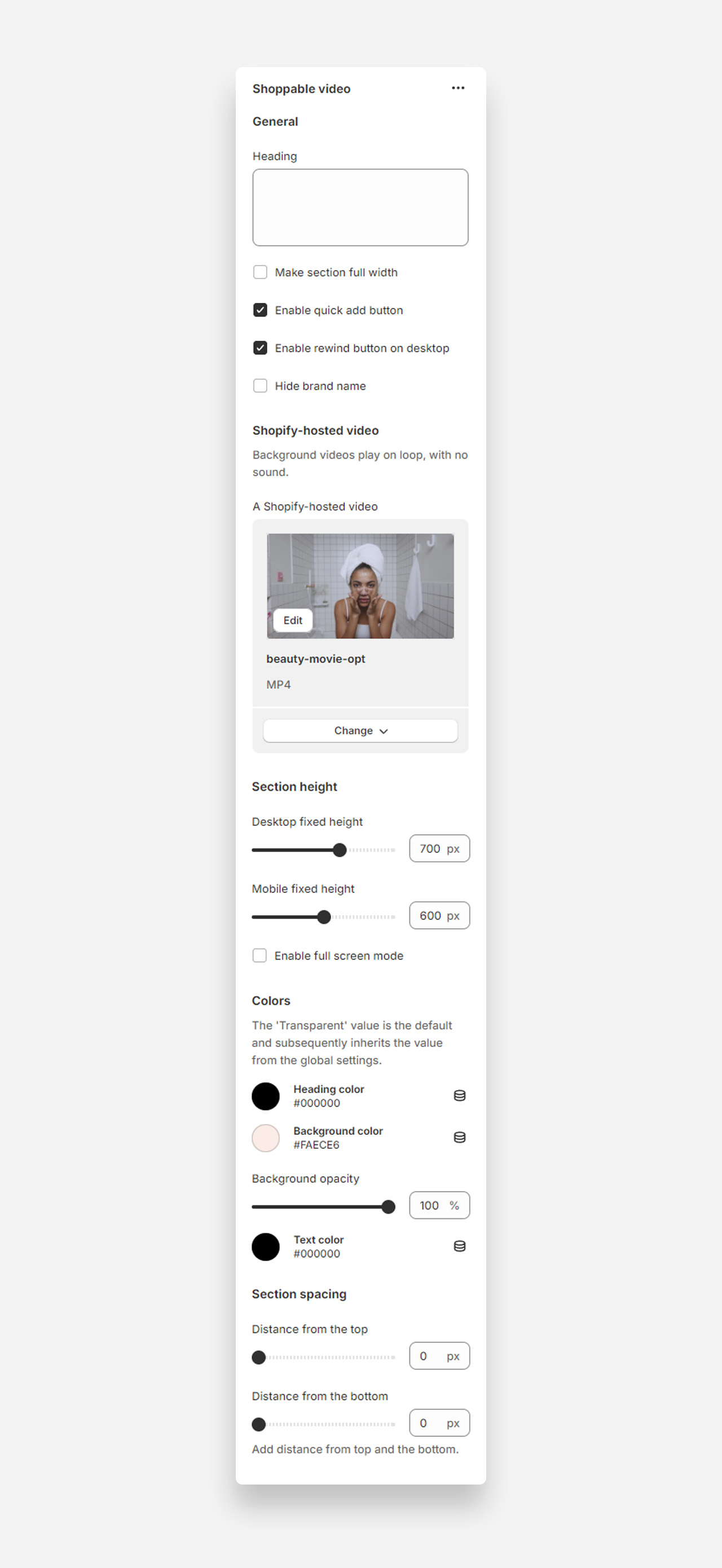
General
- Heading: Enter the heading for the shoppable video section.
- Make section full width: Enable this setting to make the video span the entire width of the container.
- Enable quick add button: Add a quick buy option for products displayed in the video.
- Enable rewind button on desktop: Add a rewind button for desktop users.
- Hide brand name: Check this option to hide the brand name in the section.
Shopify-Hosted Video
- Shopify-hosted video: Upload or select a video to play in the background.
Section Height
- Desktop fixed height: Adjust the fixed height for desktop view.
- Mobile fixed height: Adjust the fixed height for mobile view.
- Enable full screen mode: Enable this option to allow the video to play in full screen.
Colors
- Heading color: Choose the color for the heading text.
- Background color: Set the background color for the section.
- Background opacity: Adjust the opacity of the background color.
- Text color: Choose the color for the text.
Section Spacing
- Distance from the top: Adjust the spacing from the top of the section.
- Distance from the bottom: Adjust the spacing from the bottom of the section.
Customize Product block
Click one of the preloaded Product block to customize it.
Mobile view example