Contact Form
What is the Contact Form section?
Since v1.0.0
The Contact Form section displays a standalone contact form that allows visitors to send messages directly from the storefront.
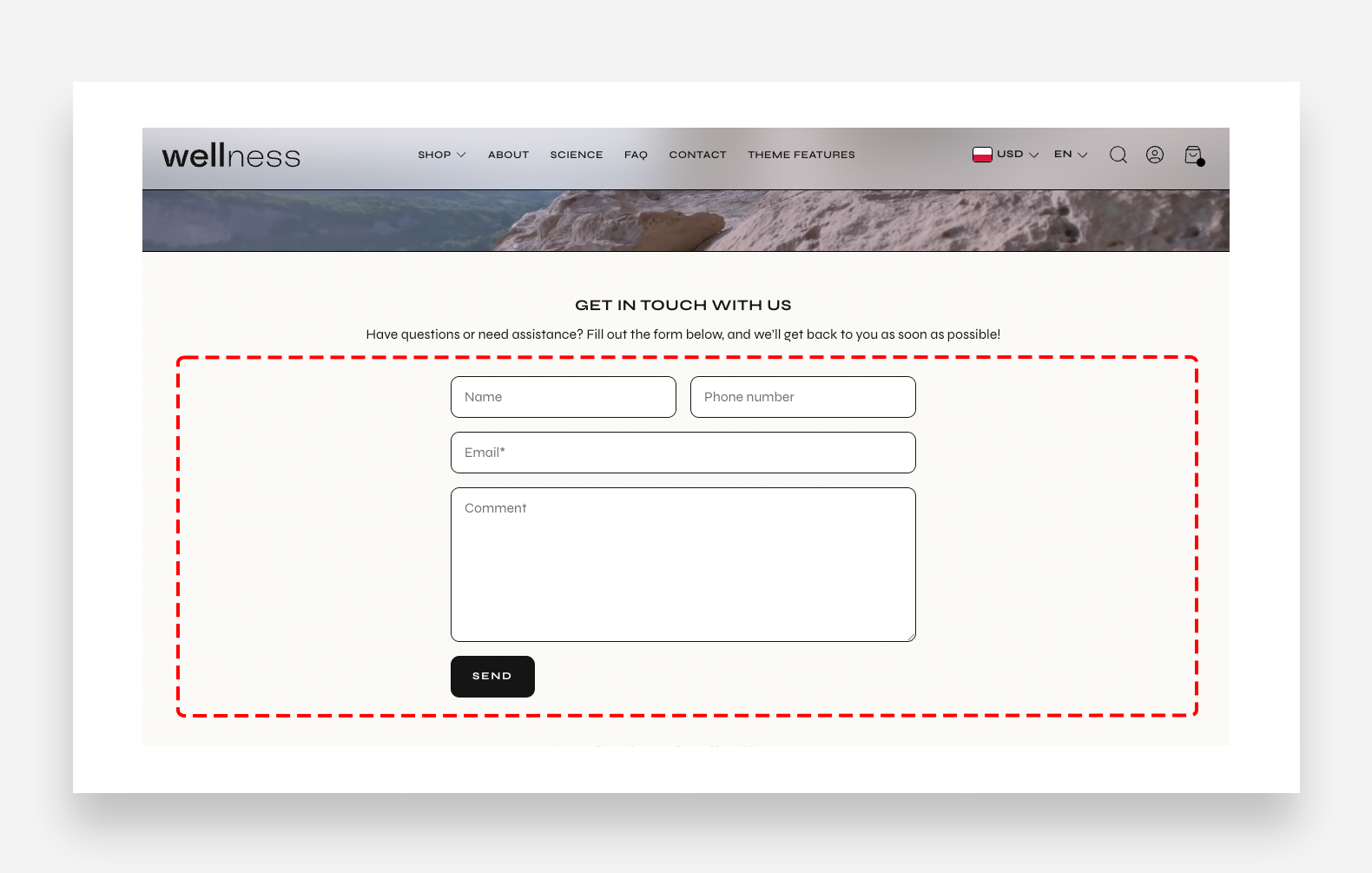
Main settings
Colors
- Text color: Define the global text color for the section.
- Background color: Set the background color of the entire section.
Section Spacing
- Distance from the top: Adjust the spacing above the section.
- Distance from the bottom: Adjust the spacing below the section.
- Show custom mobile spacing: Enable this toggle to set custom spacing values specifically for mobile devices.
- Distance from the top mobile: Adjust the spacing above the section on mobile. Applied only when Show custom mobile spacing is enabled.
- Distance from the bottom mobile: Adjust the spacing below the section on mobile. Applied only when Show custom mobile spacing is enabled.
Blocks
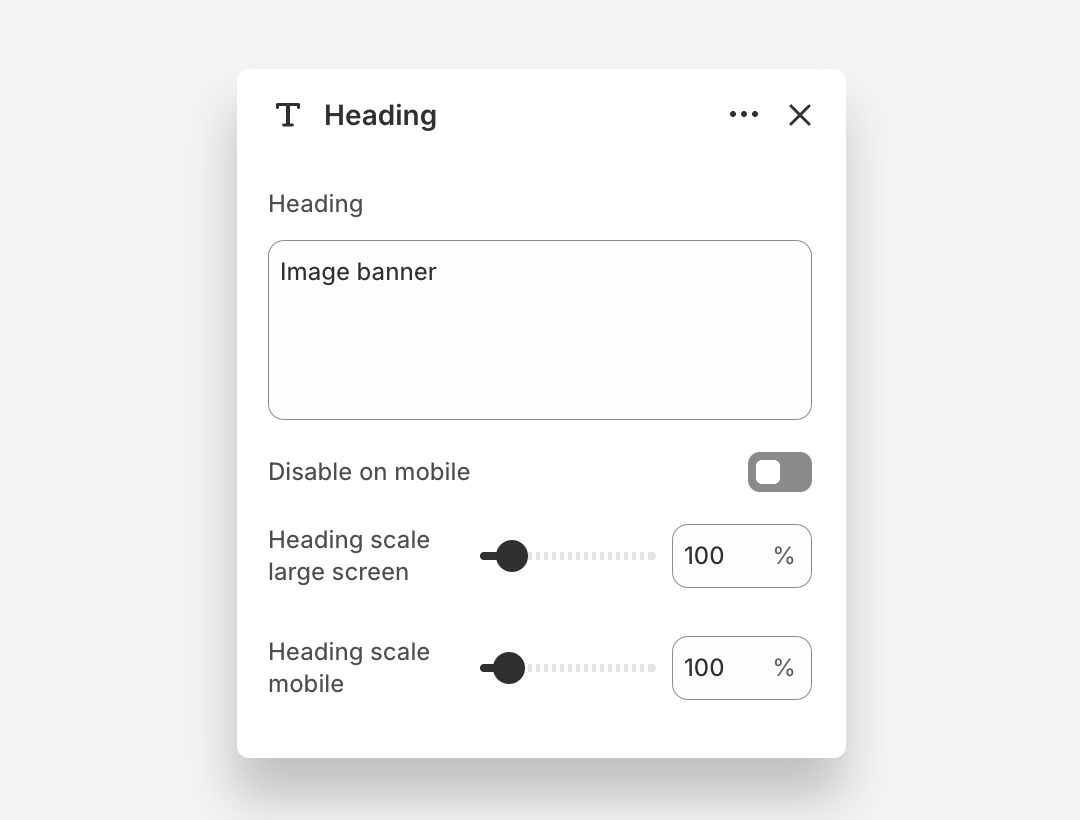
Heading Block
- Heading: Enter the heading text displayed on the banner.
- Disable on mobile: Hide this heading block on mobile devices.
- Heading scale large screen: Adjust the font size of the heading on large screens.
- Heading scale mobile: Adjust the font size of the heading on mobile devices.
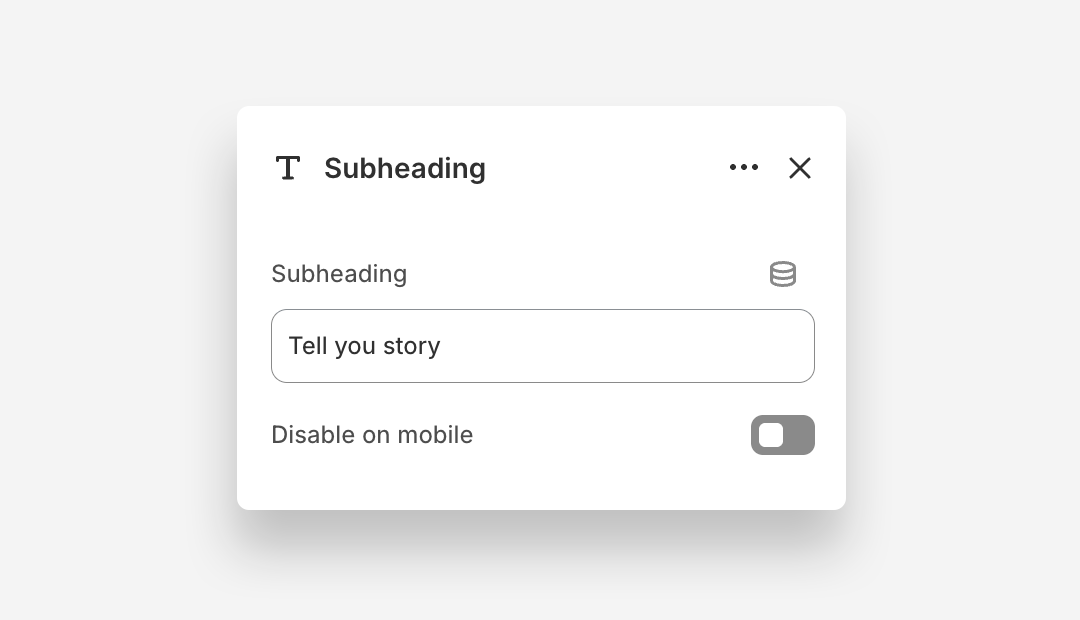
Subheading Block
- Subheading: Enter the subheading text.
- Disable on mobile: Hide this subheading block on mobile devices.
Email Form Block
The Email Form is the submit button block within the Contact Form with Image section.
- Style: Choose the visual style of the button.