Announcement Bar
Announcement Bar
Since v1.0.0
The Announcement Bar is a slim banner displayed at the very top of every page, above the header. It is used to communicate key messages such as promotions, shipping offers, or store announcements. Multiple announcement bar blocks can be added and rotated automatically using the animation feature.
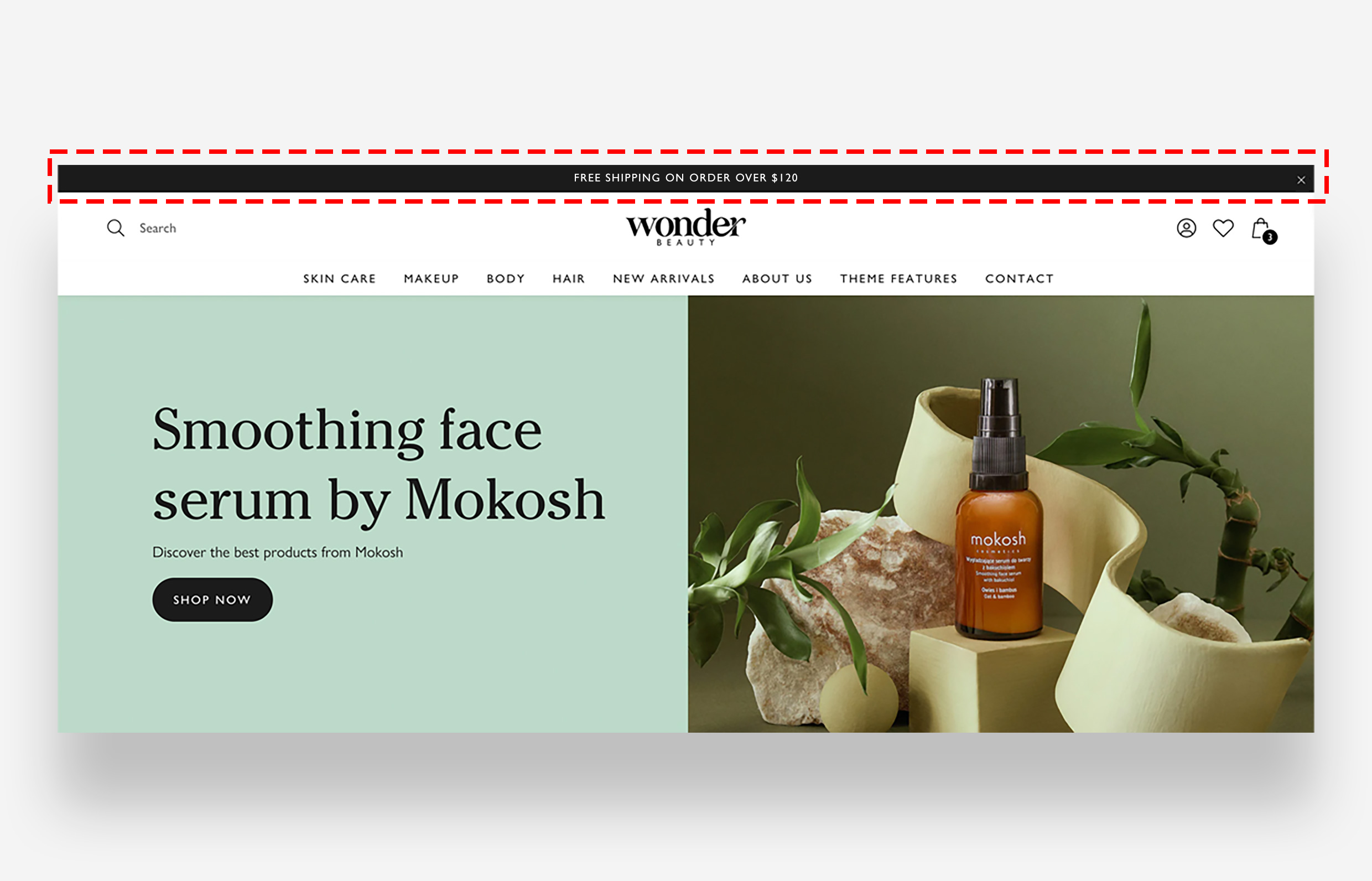
Main Settings
Behavior
- Enable animation: Enable this toggle to automatically rotate between multiple announcement bar blocks.
- Animation speed: Set the speed of the rotation animation. Choose between Slow, Normal, and Fast.
General
- Enable users to close the bar: Enable this toggle to display a close button that allows visitors to dismiss the announcement bar.
Colors
- Text color: Set the color of the text displayed in the announcement bar.
- Background color: Set the background color of the announcement bar.
Large Screen Version
- Text scale large screen: Adjust the font size of the announcement bar text on large screens.
Mobile Version
- Text scale mobile screen: Adjust the font size of the announcement bar text on mobile devices.
Announcement Bar Block
Each Announcement Bar block represents a single message displayed in the bar. You can add up to 3 blocks to rotate between different announcements.
- Text: Enter the message text to display in this announcement bar block.
- Link: Set an optional URL that the announcement bar links to when clicked.
- Link text: Set the label for the link displayed alongside or within the announcement text.