Brands
What is the Brands section?
Since v1.0.0
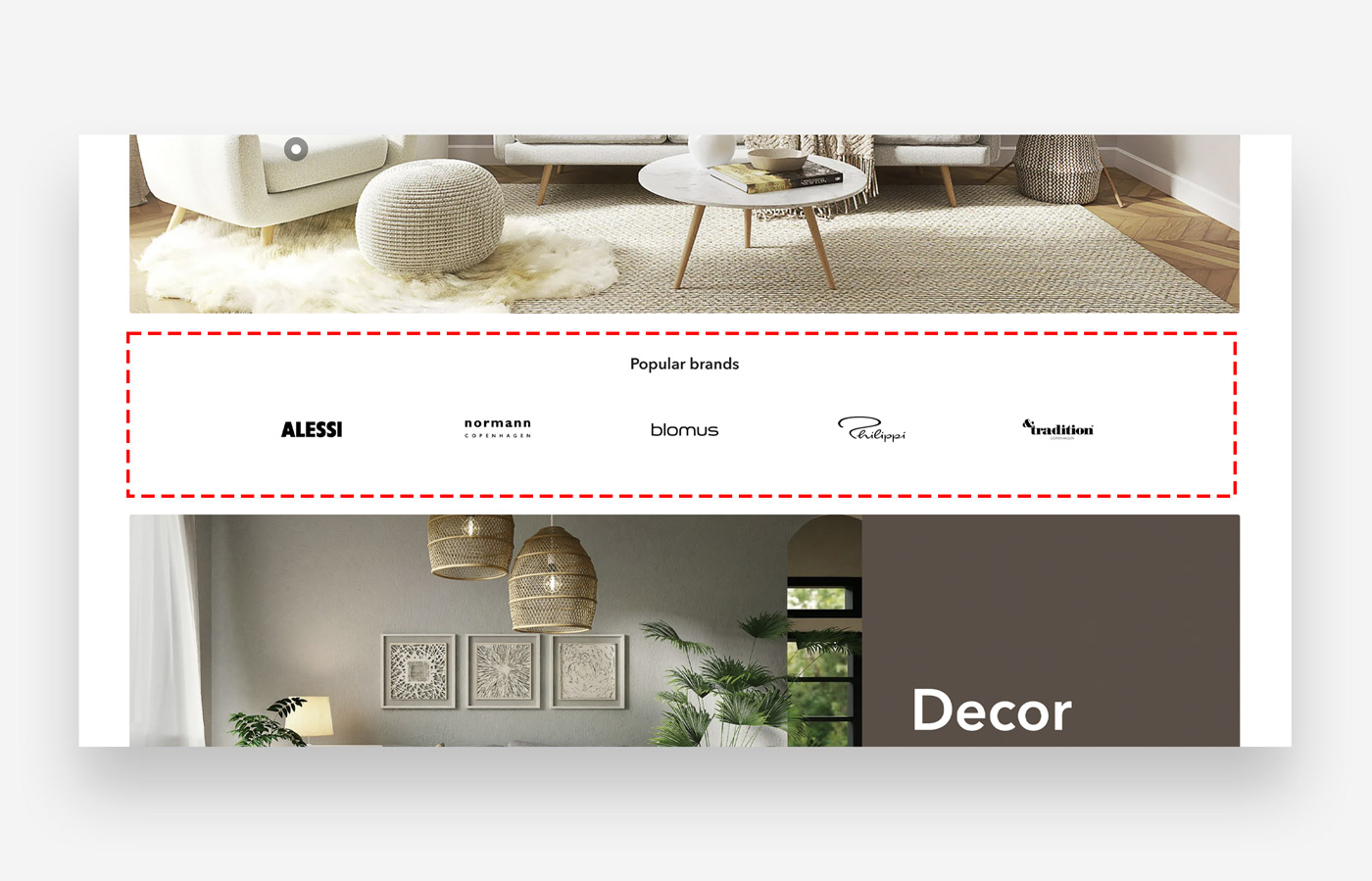
Display brand logos. Link images / brand logo to links to connect customers with brands associated with your store.
Main settings
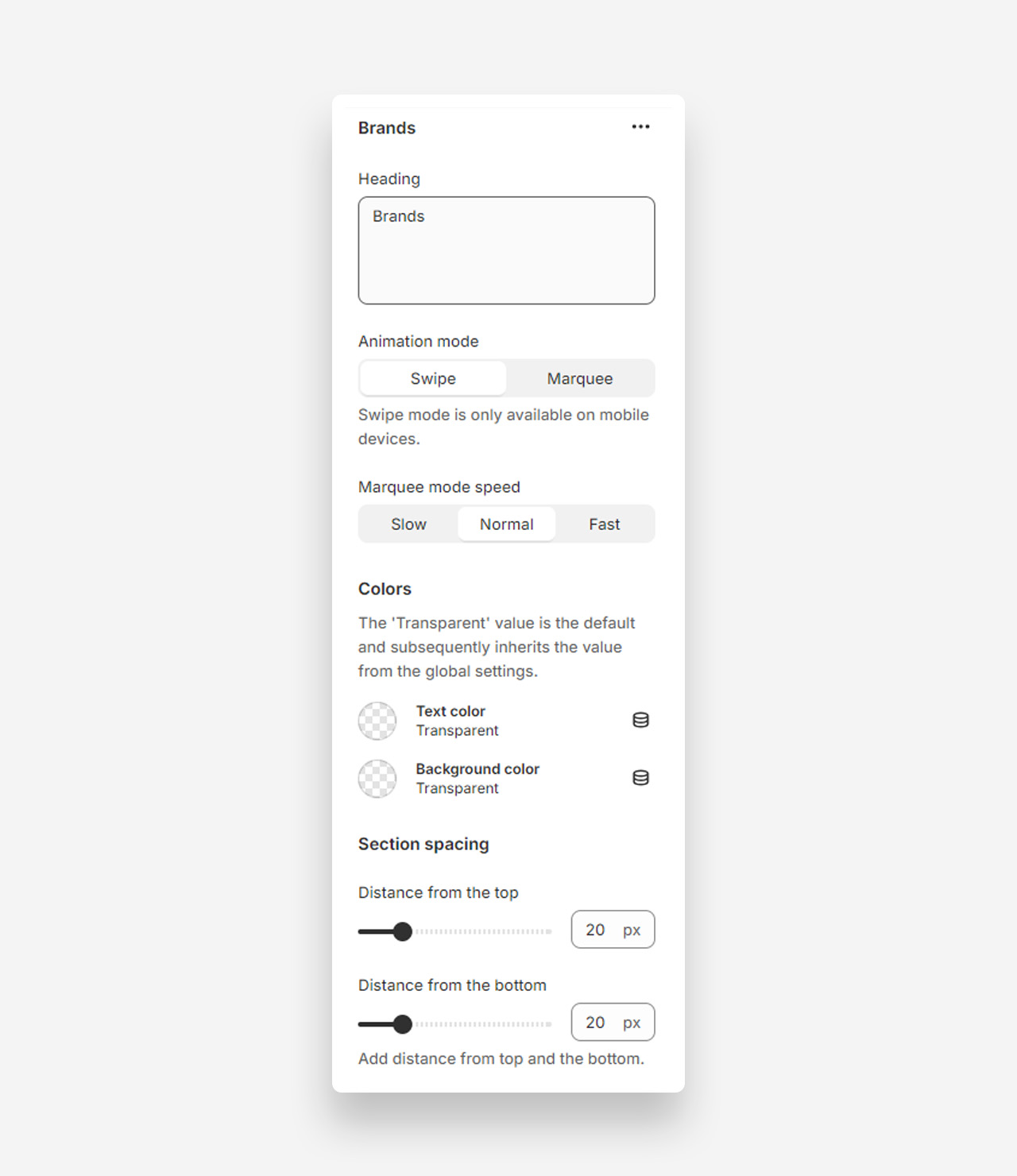
Heading
- Use rich text field for heading: Enable this toggle to use the rich text editor for the heading, which supports bold, italic, links, heading levels (H1–H6 for SEO), and dynamic content.
- Heading: Set the title for the Brands section.
Animation Mode
- Swipe: Swipe mode is only available on mobile devices.
- Marquee: Select this option for a scrolling marquee animation.
- Marquee mode speed: Choose the speed for the marquee animation (Slow, Normal, Fast).
Colors
- Text color: Default is Transparent, inheriting value from global settings.
- Background color: Default is Transparent, inheriting value from global settings.
Section Spacing
- Distance from the top: Adjust the spacing from the top of the section (default 20px).
- Distance from the bottom: Adjust the spacing from the bottom of the section (default 20px).
- Show custom mobile spacing: Enable this toggle to reveal separate top and bottom spacing controls for mobile devices.
- Distance from the top mobile: Set the top spacing above the section on mobile devices in pixels. Only applied when custom mobile spacing is enabled.
- Distance from the bottom mobile: Set the bottom spacing below the section on mobile devices in pixels. Only applied when custom mobile spacing is enabled.
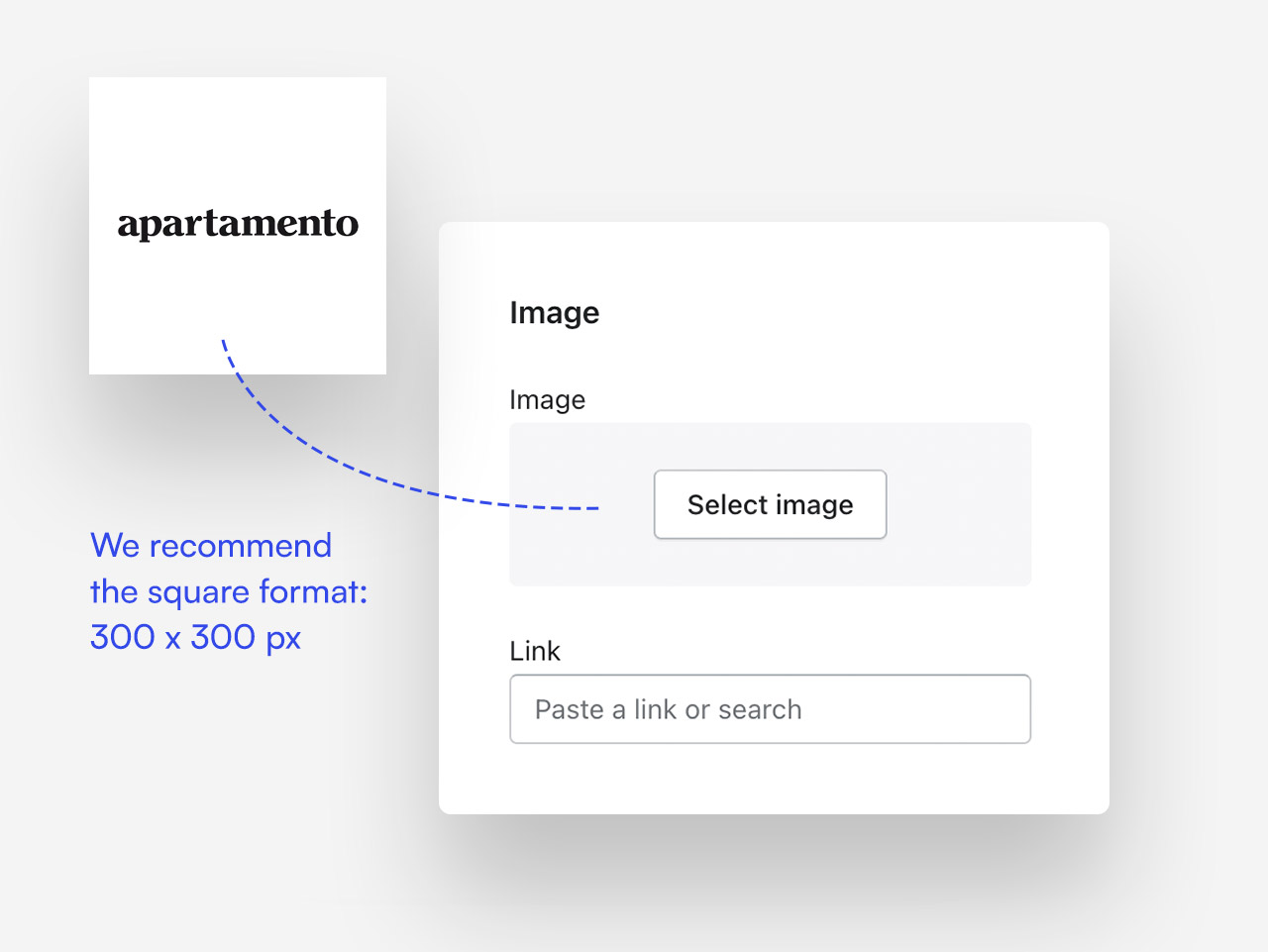
What image size fits best ?
We recommend the square dimension - 300x300 px