Button block
Button block
Since v1.0.0Product page
The Button block adds a standalone clickable button to the product page, allowing you to link to any page, collection, or URL. It can be used to drive additional actions such as exploring related collections, viewing a size guide, or navigating to a custom page.
Settings
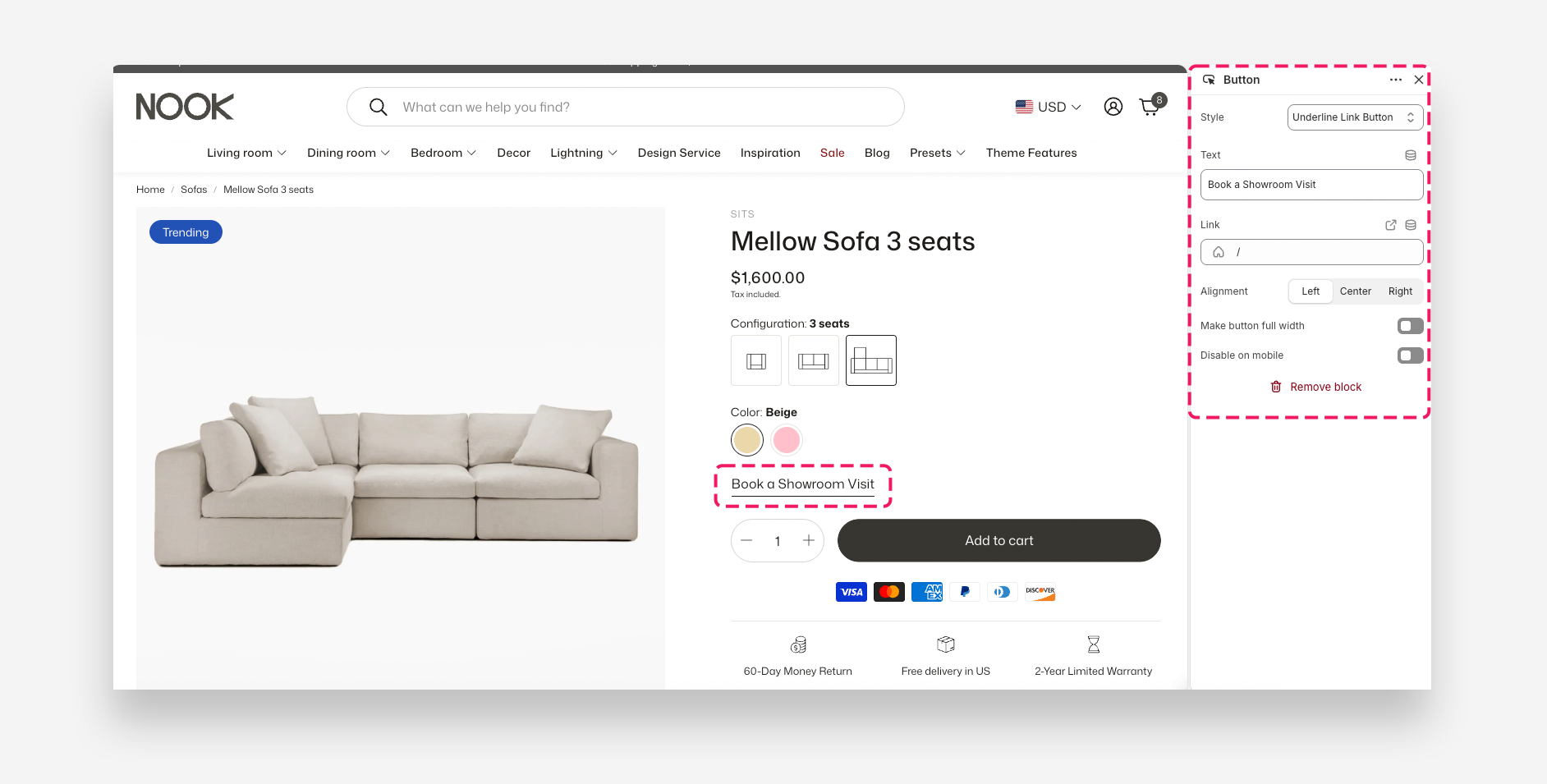
- Style: Choose the visual style of the button — Primary, Secondary, or Underline Link Button.
- Text: Enter the label displayed on the button.
- Link: Set the destination URL or page the button links to when clicked.
- Alignment: Set the horizontal alignment of the button — Left, Center, or Right.
- Make button full width: Enable this toggle to stretch the button to the full width of the product form.
- Disable on mobile: Enable this toggle to hide the button on mobile devices.