Icon with Text block
Icon with Text Block
Since v2.3.0Product page
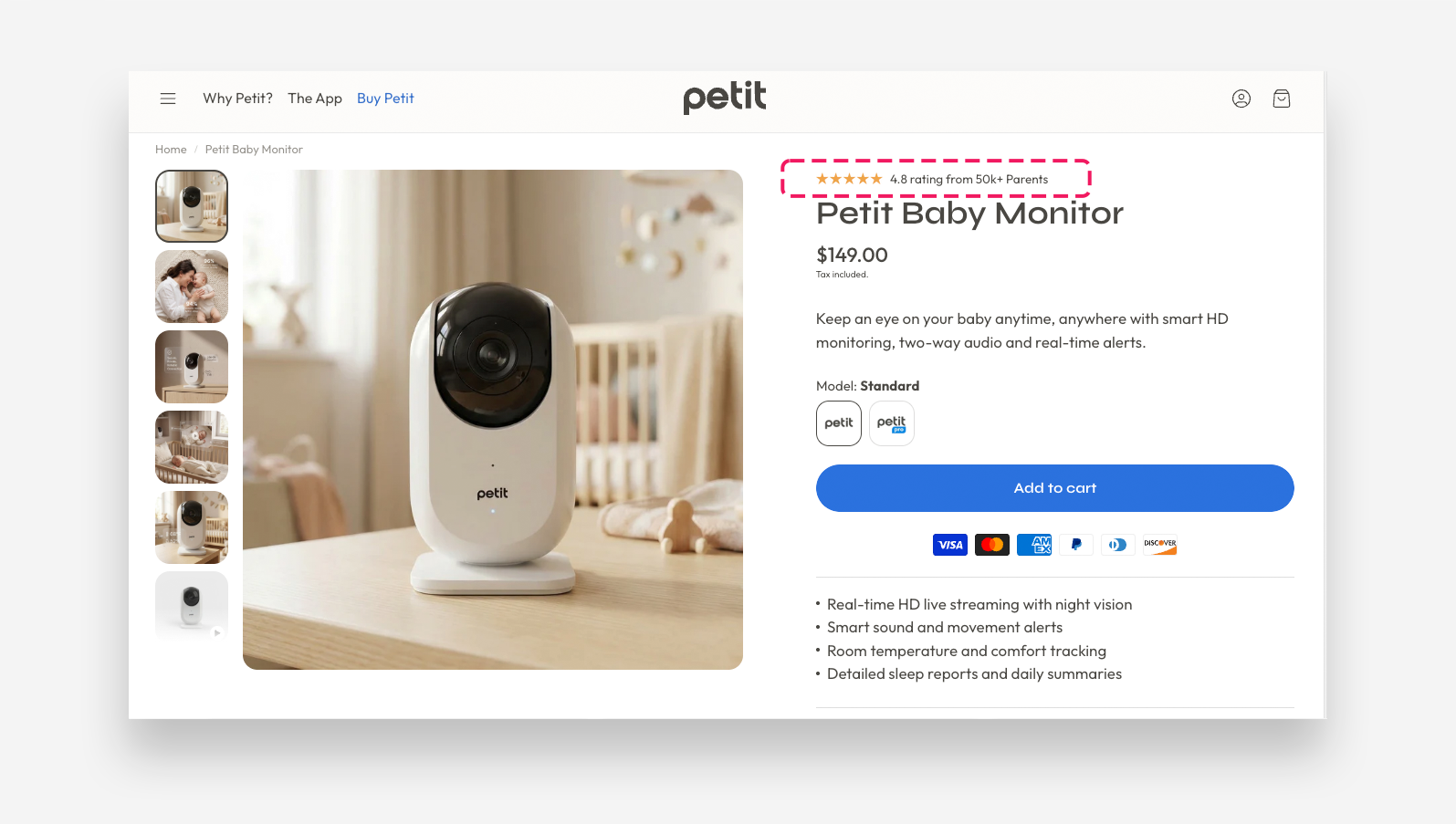
The Icon with Text block displays a single icon alongside a text label on the product page. It is ideal for highlighting social proof, key features, or short product claims — for example a star rating or a certification badge.
Icon
- Image: Upload a custom icon image to display.
- Select icon: Choose a built-in icon to display. Used when no custom image is uploaded.
- Horizontal alignment desktop: Set the horizontal alignment of the icon and text on desktop — Left, Center, or Right.
- Horizontal alignment mobile: Set the horizontal alignment of the icon and text on mobile devices — Left, Center, or Right.
- Align icon to top: Enable this toggle to align the icon to the top of the text instead of centering it vertically.
- More icon settings: Enable this toggle to reveal additional icon sizing and spacing controls.
- Icon scale desktop: Set the size of the icon on desktop.
- Icon scale mobile: Set the size of the icon on mobile devices.
- Icon top margin desktop: Set the top margin of the icon on desktop.
- Icon top margin mobile: Set the top margin of the icon on mobile devices.
Text
- Text: Enter the label displayed alongside the icon.
- Text scale large screen: Adjust the font size of the text on large screens.
- Text scale mobile screen: Adjust the font size of the text on mobile devices.
Spacing
- Gap: Set the spacing between the icon and the text.
- Distance from the top: Adjust the spacing above the block.
- Distance from the bottom: Adjust the spacing below the block.
- Spacing from the left desktop: Set the left offset of the block on desktop.
- Spacing from the left mobile: Set the left offset of the block on mobile devices.