Promo block
Promo block
Since v1.0.0Product page
The Promo block displays a highlighted promotional message on the product page, typically used to draw attention to special offers, subscription savings, or limited-time deals. It appears as a styled banner between the product price and the Add to Cart button.
Settings
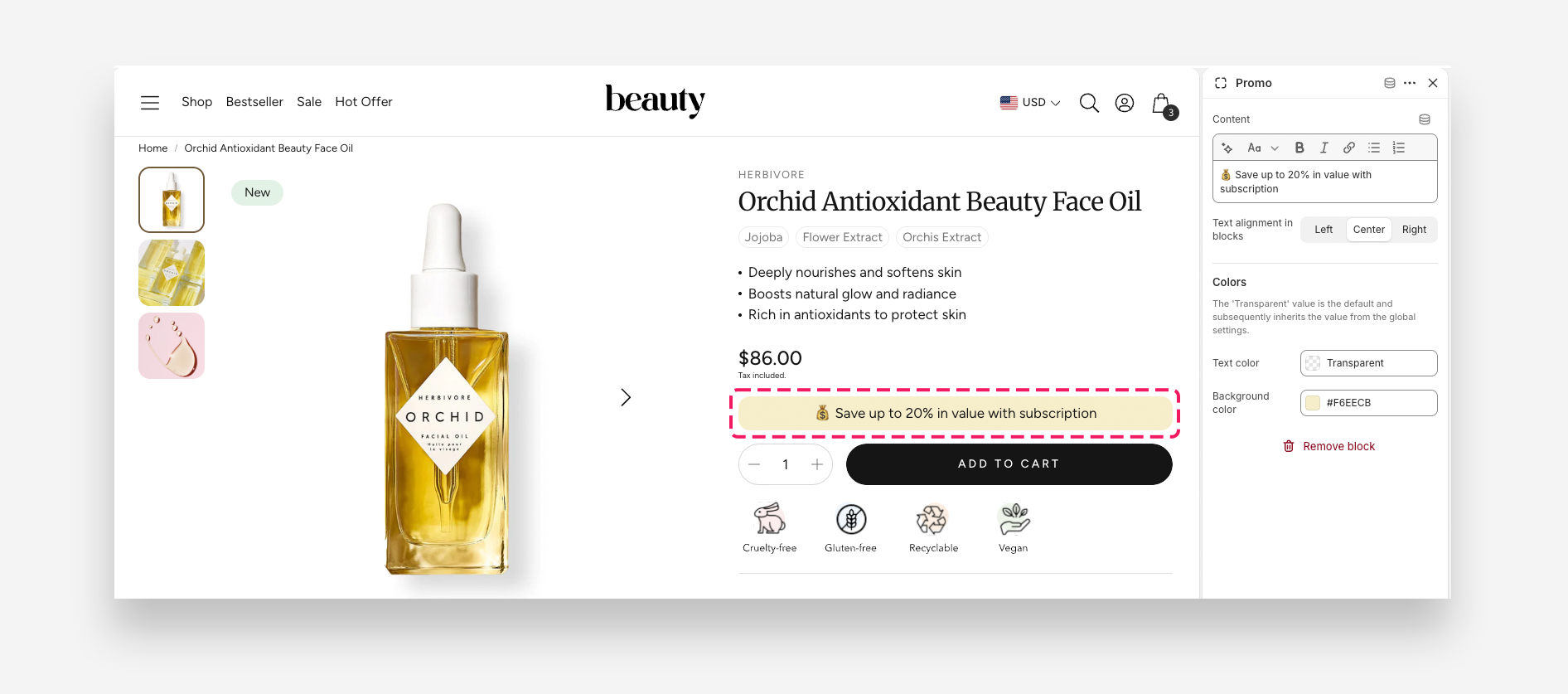
- Content: Enter the promotional message to display in the block.
- Text alignment in blocks: Set the horizontal alignment of the text — Left, Center, or Right.
Colors
- Text color: Set the text color of the promotional message.
- Background color: Set the background color of the promo block.